How to Level Your
3D Printer Bed
The complete guide to 3D printer bed leveling — from manual paper-test procedure through Z-offset live-tuning, OrcaSlicer first-layer parameters, and adhesion aids.
TL;DR Executive Summary
Good first-layer adhesion requires two things in sync — a physically level bed and the right slicer settings. This guide covers both: the manual leveling procedure, Z-offset fine-tuning, OrcaSlicer parameters (speed, temp, flow), and when to use bed mesh.

Manual Leveling & Z-Offset Adjustment
Bed leveling (tramming) sets the plane of the bed so all four corners are at the same height relative to the motion system. Z-offset is a single value that sets how close the nozzle is to the bed surface at the home position.
"OrcaSlicer lets you save per-plate starting points as Plate Presets. Smooth PEI benefits from slightly more squish; textured PEI needs less because the texture provides the grip."
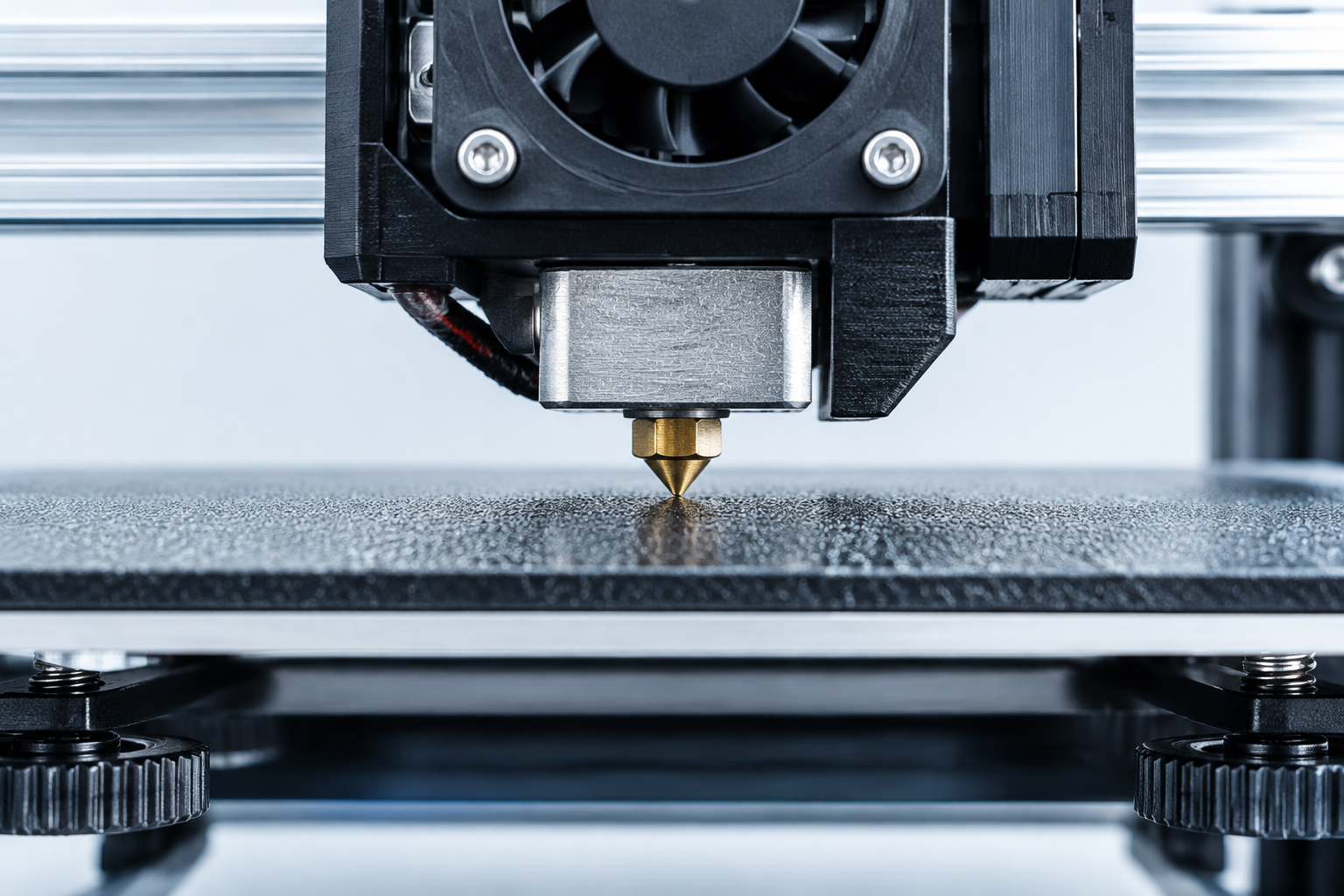
FIG 01. Precise nozzle-to-bed clearance measurement.
Optimizing OrcaSlicer First-Layer Settings
Speed & Temperature
Slow down the first layer to 20-30mm/s and increase bed temperature by 5-10°C to ensure the plastic has time to bond.
Best for: Voron, Bambu LabLine Width & Flow
Increase first layer line width (e.g., 120%) to create more surface contact and 'squish' the filament into the bed.
Best for: Small footprintsElephant's Foot
Slightly shrink the first layer's dimensions to prevent the outward bulge caused by the initial squish.
Best for: Tight tolerancesMouse Ear Brims
Use OrcaSlicer's specialized brims to hold down sharp corners without wasting filament on a full brim.
Best for: ABS / ASA printsBed Mesh and Auto-Leveling: When You Need It
Manual leveling sets the plane of the bed. Bed mesh corrects the surface within that plane — the gentle bow or warp that develops over time and causes the center to print higher or lower than the corners even after you have leveled everything.
Modern Firmware Strategy
Modern firmware like Klipper allows for Adaptive Bed Mesh, which only probes the area where the print will actually sit, saving time while ensuring a perfect first layer across the entire model.
Frequently Asked Questions
What is the difference between bed leveling and Z-offset?
Bed leveling (tramming) sets the plane of the bed so all four corners are at the same height relative to the motion system. Z-offset is a single value that sets how close the nozzle is to the bed surface at the home position. You do bed leveling once; you fine-tune Z-offset per surface type.
How often should I level my bed?
You should re-check your level whenever you change nozzles, move the printer, or notice the first layer is inconsistent across the build plate.
Related Calibration Guides
Ready to master your first layer?
OrcaSlicer provides the tools to automate and organize your calibration steps. Get the latest build for Windows, Mac, or Linux.