All Posts
Browse all blog posts
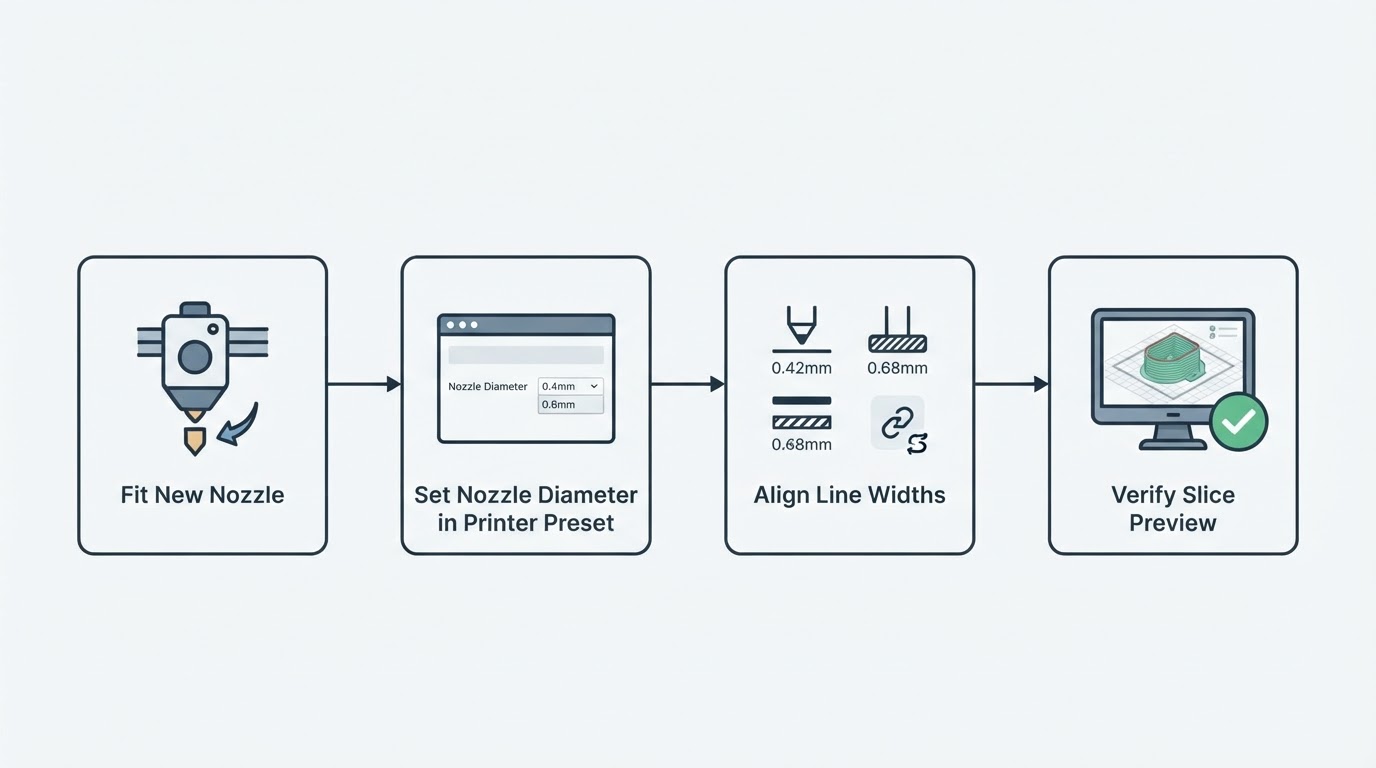
How to Change Nozzle Size in OrcaSlicer and Check the Preset
Change nozzle size in OrcaSlicer the right way: set the per-extruder Nozzle diameter in the printer preset, align line widths, and verify the slice preview before you print.
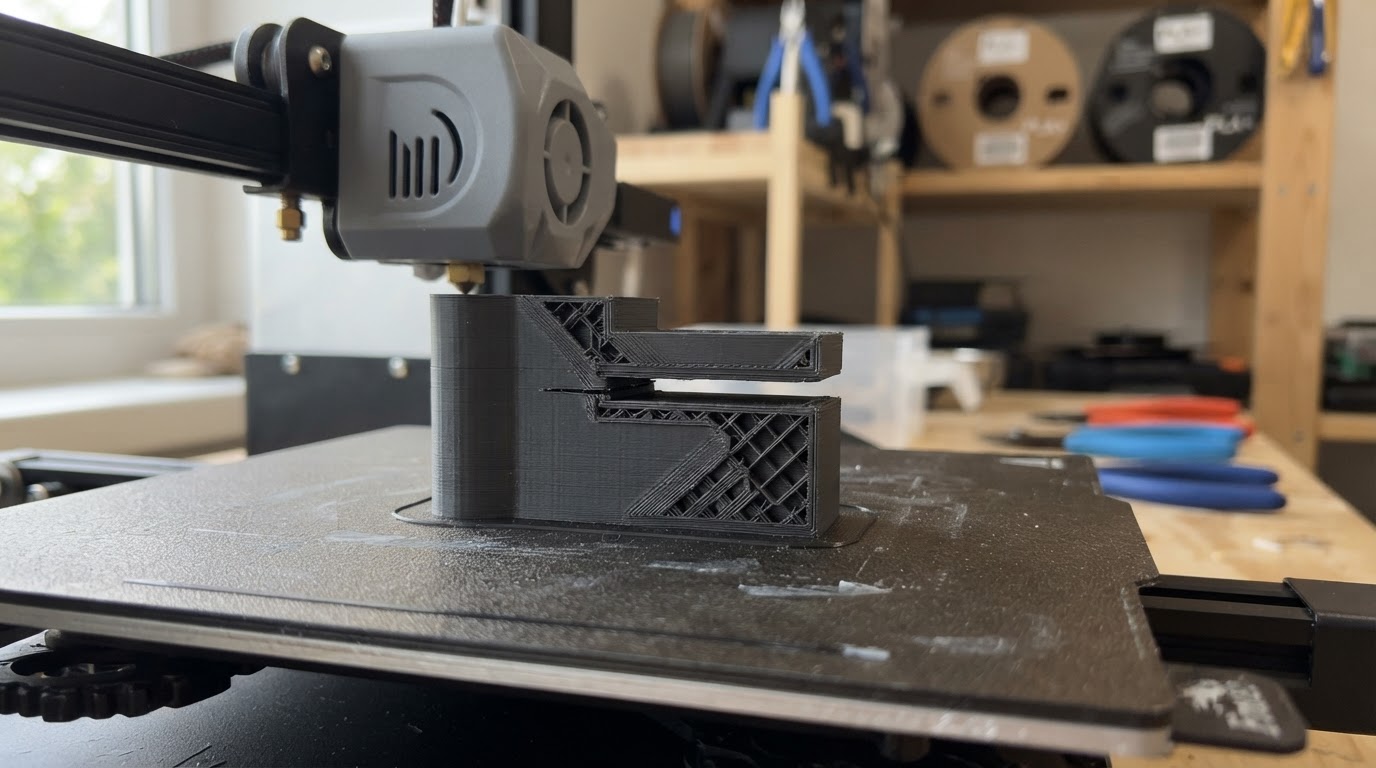
Floating Regions in OrcaSlicer: Find and Fix the Unsupported Island
A floating region warning means part of a layer has nothing beneath it. Locate the exact layer, tell an unsupported island from a non-manifold or disconnected mesh, and apply the right Orca Slicer fix.

OrcaSlicer Device Tab Not Working? Separate Login, Network and Compatibility
A blank or non-loading OrcaSlicer Device tab can have several causes. Collect version, OS, printer model and the configured host address, then run safe checks.
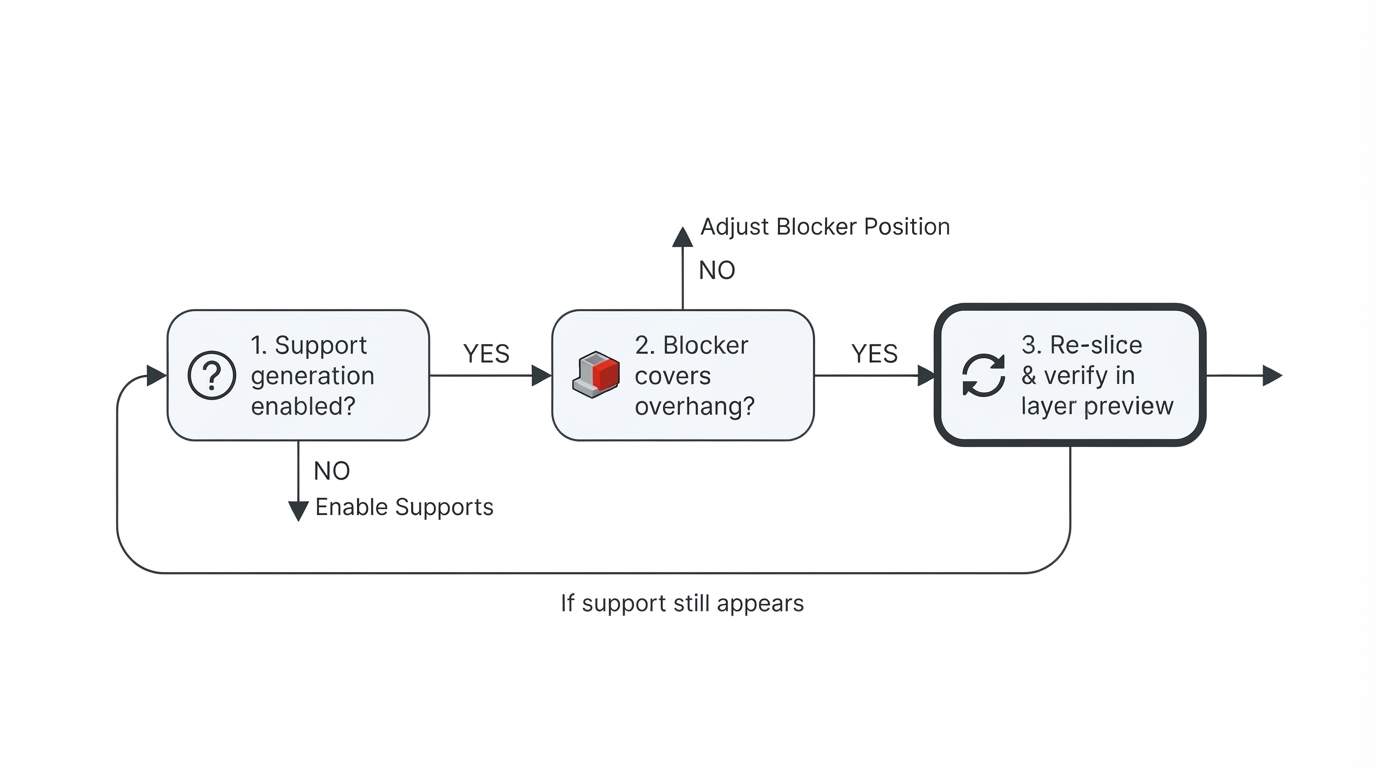
OrcaSlicer Support Blocker Not Working? Check the Preview and Support Mode
A support blocker that looks ignored is usually a support-mode or footprint problem, not a broken feature. Check auto versus manual support, cover the real supported region, then verify the change in a fresh slice preview.
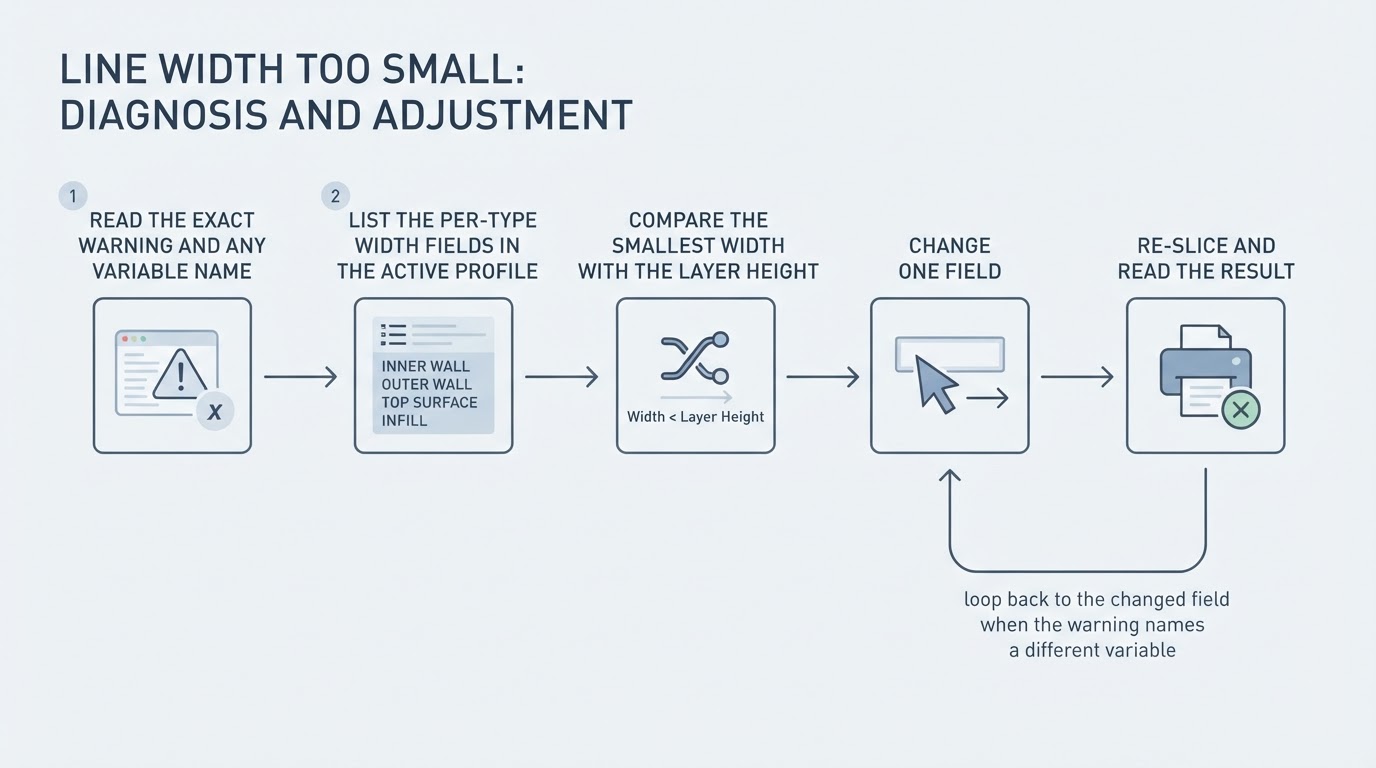
OrcaSlicer Line Width Too Small: Find the Setting That Triggers It
OrcaSlicer's line-width-too-small warning can arise from an effective width, layer height or profile mismatch. Find the named field, check the nozzle and version, and re-slice safely.
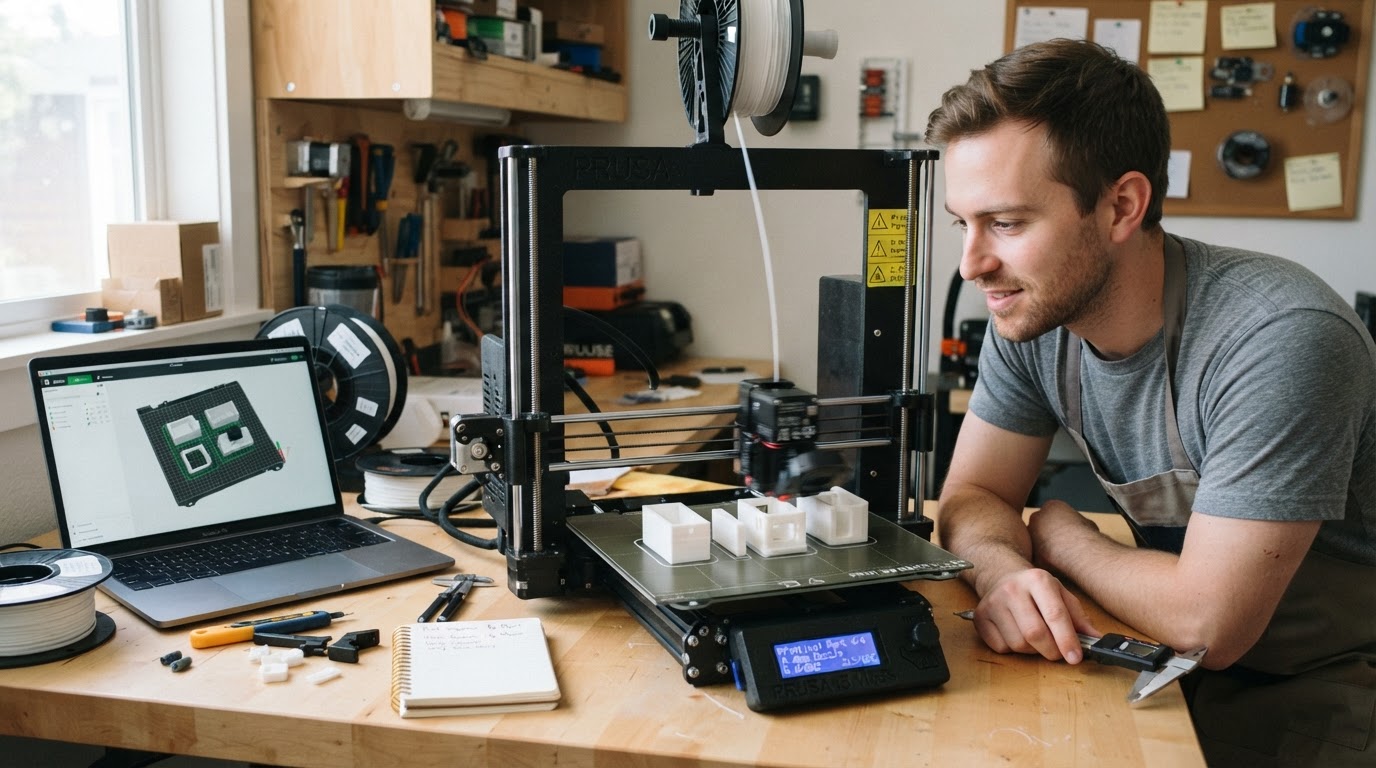
OrcaSlicer Print by Object: Set the Sequence and Check Clearance
How Print Sequence > By Object works in Orca Slicer: a two-object workflow, a By Layer vs By Object decision table, clearance checks, and troubleshooting.
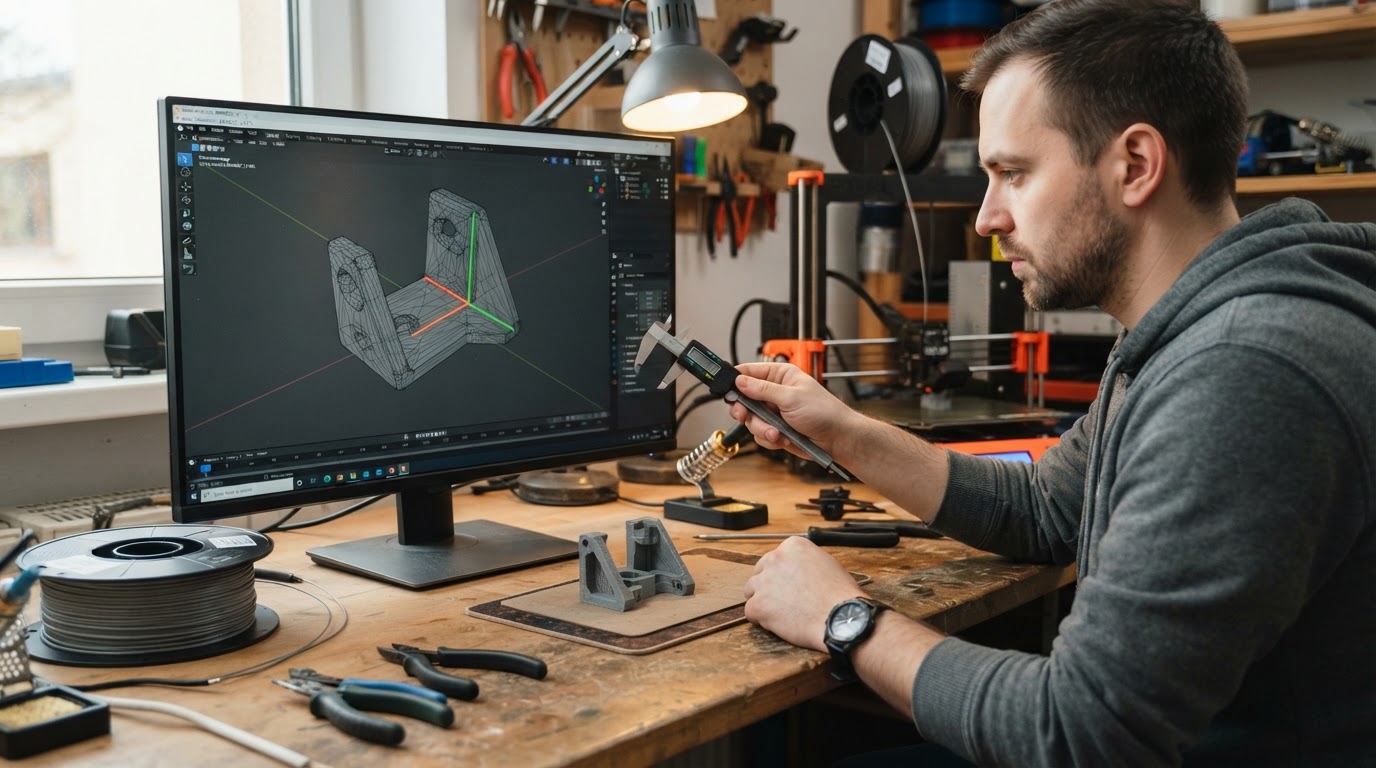
OrcaSlicer Non-Manifold Edges: What the Warning Means and How to Repair the Mesh
A non-manifold edges warning reports mesh integrity, not a failed print. Find the affected model, back up the file, and choose a repair route for your OrcaSlicer version.
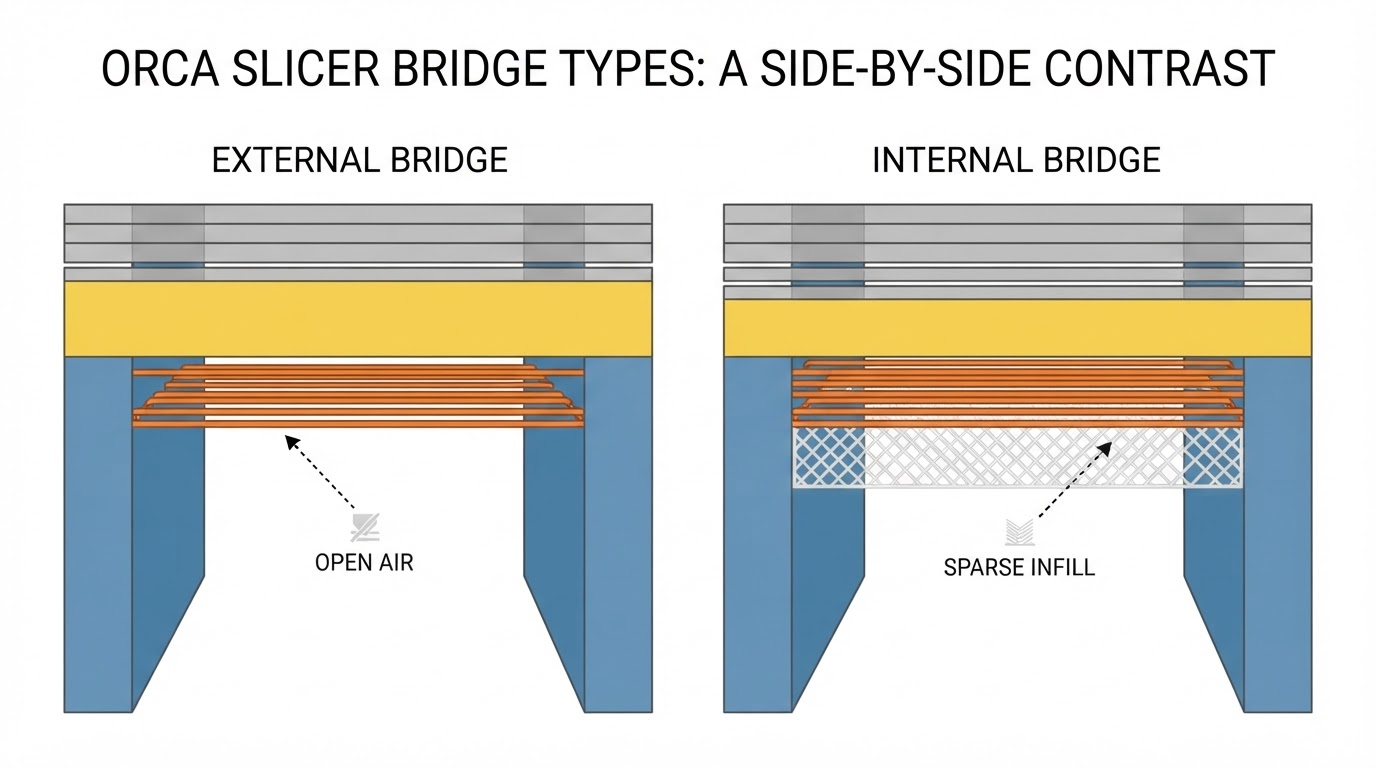
OrcaSlicer Bridge Settings: Diagnose Sagging Before Tuning
Sagging and broken bridges need opposite fixes. Diagnose the failure first, then change one Orca Slicer bridge setting at a time and verify it in the slice preview.
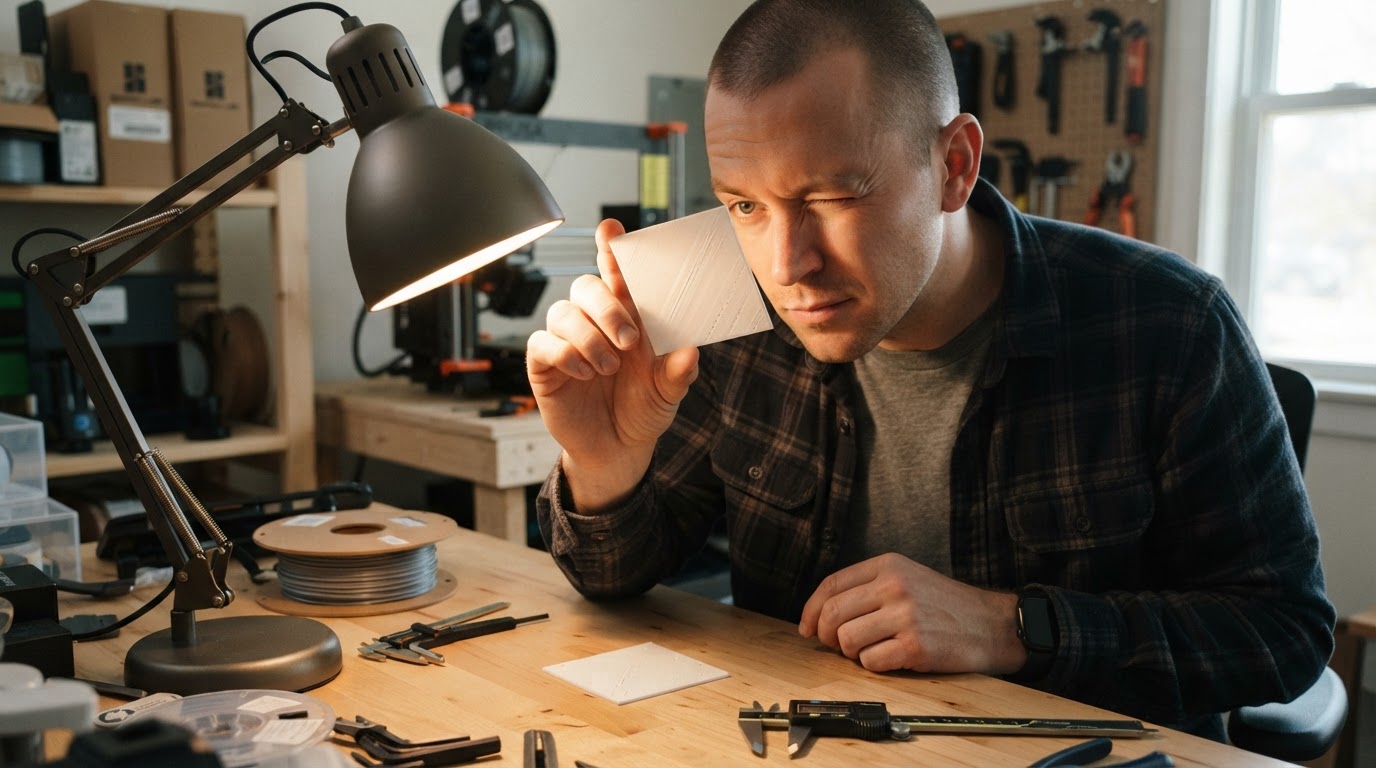
OrcaSlicer Ironing Calibration: A Repeatable Test Workflow
A repeatable Orca Slicer ironing calibration workflow: test ironing flow and speed one variable at a time, read the surface under raking light, and know when to stop.